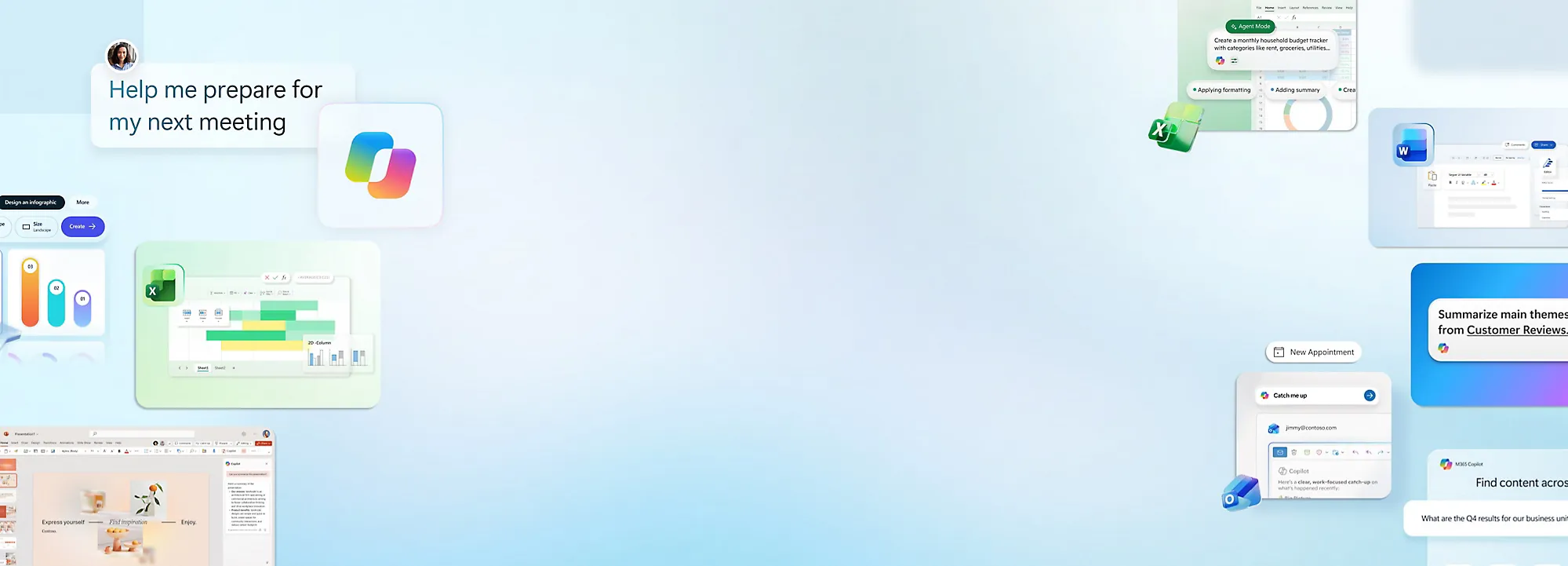
Discover everything Microsoft 365 + Copilot can do for your team with a free, practical guide, ready to use from day one.
Fill out the form and we'll send the guide with all 30 prompts to your email.
Watch it in action
See how Copilot is changing the way teams work inside Microsoft 365.
One assistant, your whole ecosystem
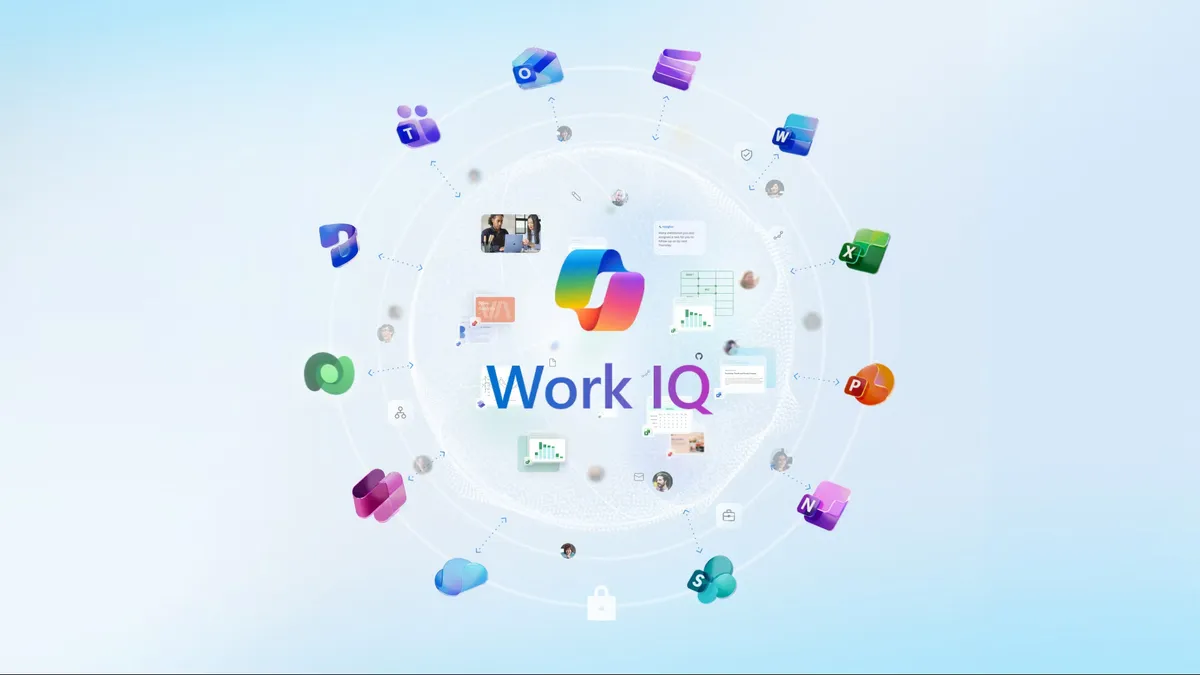
Word, Excel, Outlook, Teams, PowerPoint, and more — Copilot works inside the Microsoft 365 apps you already know, with no extra learning curve.
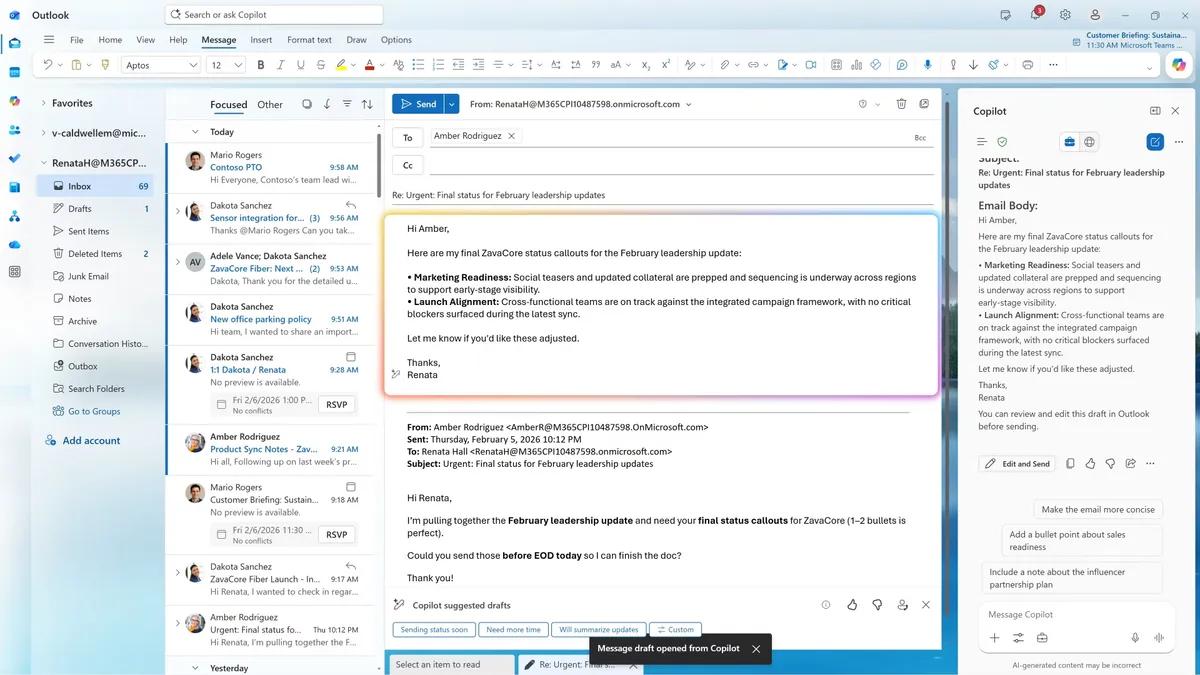
What it looks like in practice
It's that simple: ask for what you need in plain language and Copilot generates the draft, ready to review and send. All 30 prompts in the guide work exactly like this.
30 tested prompts, organized by tool so you can use them right away.
Write smarter and finish faster. Generate first drafts, summarize long documents, and automatically adjust the tone of your writing with AI.
Unlock insights and make informed decisions. Identify hidden trends, create dynamic visualizations, and generate complex formulas using natural language alone.
Write clear, concise emails in less time. Instantly summarize endless message threads and draft professional replies tailored to your communication style.
Turn your ideas into polished presentations. Transform text documents into structured slides, generate speaker notes, and design impactful presentations in seconds.
Why it's worth it
70%
Users report being more productive
1.2h
Saved on average per day
-27%
Time spent searching for internal information
68%
Improvement in work quality
30 prompts, zero learning curve. Download it now and start using Copilot today.
I want my free guide